Instructions for Using Camera Viewer
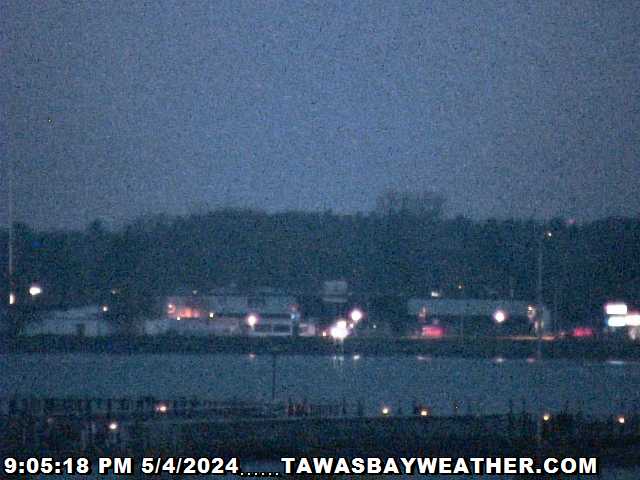
 To operate the camera, click the picture below to open the camera viewer.
Click the "Camera Control" button
 to gain control of the camera.
To move the camera click inside the
image or select a preset position.
If you have problems with the operation of the camera, click here for more detailed instructions.
Click a flag to open the viewer in a separate window using another language:


To capture a still of the camera image,
Click Here.
Please email any comments about the camera or the viewer software to tawasbayweather@charter.net.